Routifyy – 301 redirects
Routifyy creates a complete 301 redirect list for a website relaunch. Old URLs are collected from five sources and mapped to the right new page with AI. Instead of four to eight hours of manual work, setting up the redirects takes around five minutes.
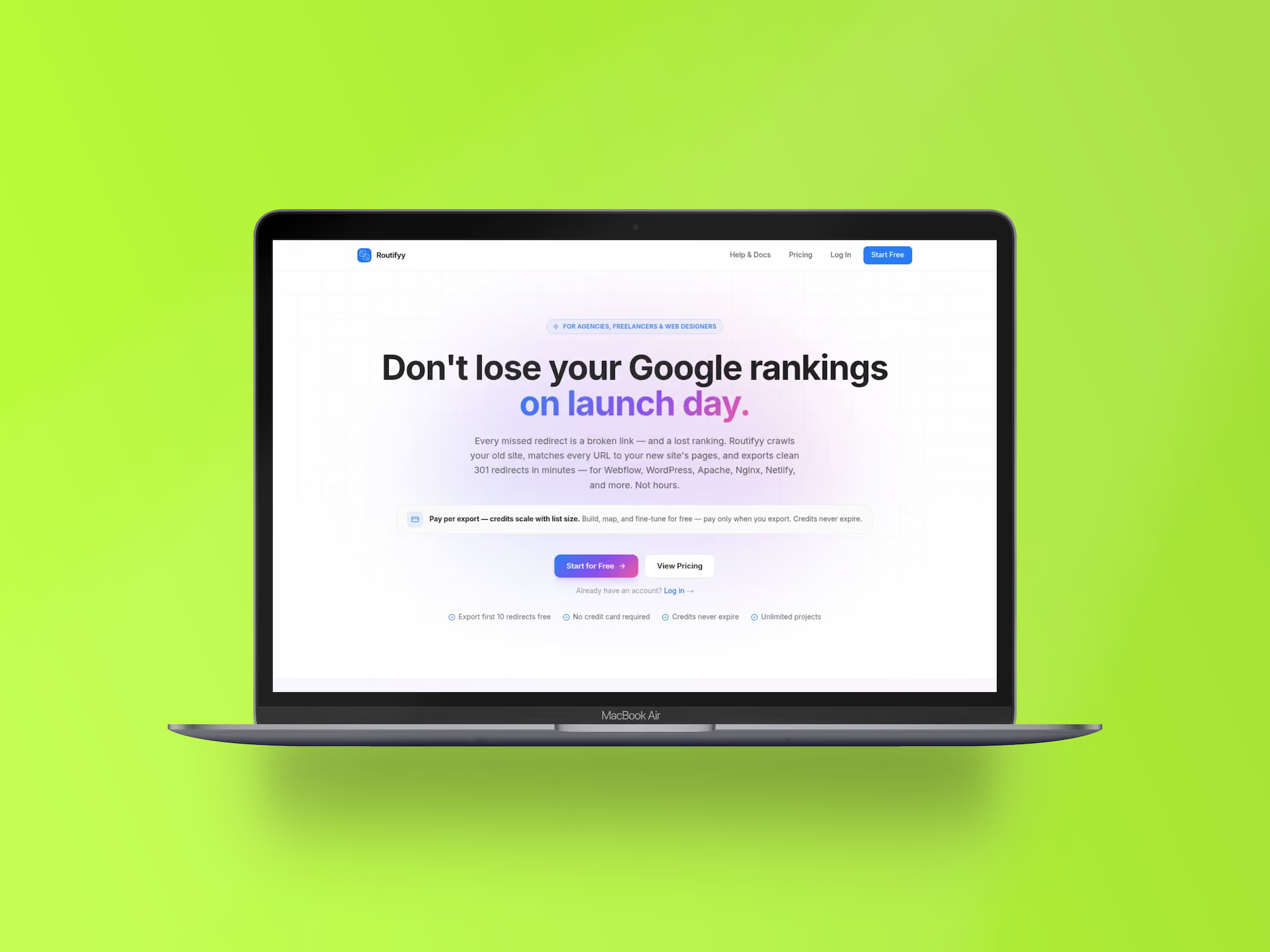
Why redirects make or break a relaunch
Every relaunch changes URLs. Without clean 301 redirects, Google, backlinks, and bookmarks lead nowhere. Visibility built up over years is gone in an afternoon, and it takes months to win it back.
The problem is rarely a lack of knowledge, but a lack of time. Finding every old URL and mapping each one to the new structure is tedious work – exactly the kind of work that gets left over at the end of a project.
Routifyy takes that step off your plate. It collects the old URLs from five independent sources, deduplicates them, and uses AI to map every URL to the right new page based on title, structure, and content. Even when the paths have changed completely.
What Routifyy does
From URL collection and AI mapping to the finished import file for your system.
AI mapping
Every old URL is evaluated semantically and mapped to the new page that matches its content. Even without a path-based equivalent, no URL is left without a destination.
Five URL sources
Crawler, sitemap, Google Search Console, Wayback Machine, and Common Crawl, plus the import of existing redirect lists. Together, they give you a complete picture of the old website.
Six export formats
Webflow CSV, WordPress Redirection, Apache htaccess, Nginx, Netlify redirects, and generic CSV. The export fits straight into your system.
Smart deduplication
Multiple sources return the same URL in different variants. Routifyy detects duplicates and merges them into one clean data set.
URL health score
Every URL is checked: reachable, broken, or part of a redirect chain. That way, no dead destinations end up in the final list.
Webflow integration and archive
Connected via OAuth, the redirects land in your Webflow project with a single click. Every export stays permanently available as a CSV in the archive.
Who Routifyy is built for
Agencies and freelancers. If you deliver relaunches regularly, you save half a working day per project. One account covers any number of projects, and the separation by client is preserved.
Web designers. The part of the project nobody enjoys is done before it becomes a problem. The list is ready before go-live instead of after.
In-house CMS managers. Even without an SEO team, you get a traceable redirect list that can be reviewed and documented.

How Routifyy is used day to day
CMS migration
From WordPress, Wix, Craft, or Drupal to Webflow. The old structure is rarely documented; the Wayback Machine and Search Console fill in the gaps.
Relaunch on the same system
New navigation, new slugs, same platform. Routifyy recognizes which old page belongs to which new one by content, even when the paths have nothing in common anymore.
Redirect audit
Import existing redirects, have them checked, and resolve chains. It often turns out that part of the traffic has been going nowhere for years.
“A relaunch only succeeds when the old URLs still arrive.”
From the same workshop
Flowtifyy
The online store for any website, optimized for Webflow, with TWINT and Swiss hosting.
Love2Flow
Turns Lovable exports from React and Tailwind into ready-made Webflow sections.
Your website
should fit you.
A good website is the foundation for your business and your goals. I'll guide you from the first idea to the finished product.
Frequently asked questions about Routifyy
How the 301 redirects are created, what it costs, and what you need to get started.
No. The mapping works for any website. Only the one-click import is Webflow-specific; for WordPress, Apache, Nginx, Netlify, and any other system there are matching export formats.
There is no subscription. You pay with credits, one per export or AI mapping run: 1 credit for up to 100 redirects, 2 credits for 101 to 500, 3 credits for more than 500. Manual mapping is free. Prices start at $9 for one credit and drop to $6 in the 20-credit pack. Credits never expire.
Yes. You export your first ten redirects for free, no credit card required. Projects, mappings, and all five URL sources are unlimited along the way.
Every mapping is suggested, not forced. You can accept all suggestions with one click or correct them individually. For pages without a suitable destination, Routifyy suggests the home page so that no URL leads nowhere.
Not necessarily. If the old site is already offline, Routifyy reconstructs the URLs from Google Search Console, the Wayback Machine, and Common Crawl. Together with the crawler, sitemap, and imported lists, that gives you a complete picture.