Write texts together, no login required
write2gether is a lightweight editor for short texts that need several minds: client emails, website copy, social posts, or newsletters. You share a link, and everyone writes live in the same document – no account, no installation.
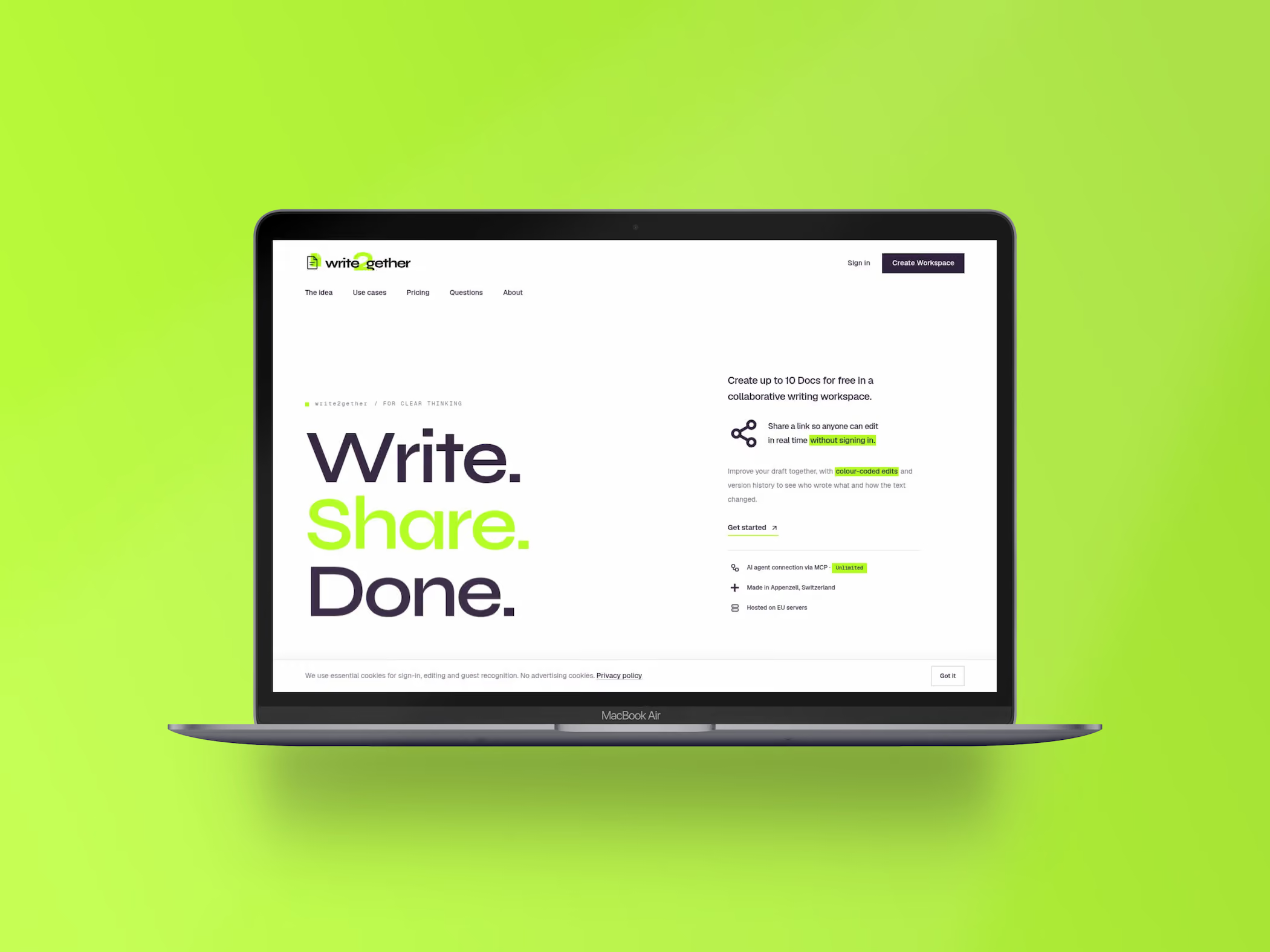
Write. Share. Done.
Drafts of short texts usually circulate by email. Everyone replies with their own version, and three versions later nobody knows which one counts. For a long document, a full office suite is worth it; for a client email or a social post, it’s overkill.
write2gether does exactly this one thing well: one document, one link, everyone in it live. Each person appears in their own color, and the history shows every change. Anyone with the link can write along – no account and no sign-in.
The editor is deliberately plain text without a formatting bar, so it’s about the words and not the layout. Docs are private by default, a share link can be revoked at any time, and hosting is on servers in the EU.
What write2gether can do
From the share link to color-coded changes to connecting AI agents.
One link is enough
You share a link, and everyone is writing along. Guests need no account and no sign-in – the shortest path there is for client approvals.
Color-coded changes
Each person writes in their own color. At a glance, you can see who contributed or rephrased which sentence.
History instead of version chaos
The history shows every change over time. Earlier versions stay viewable instead of disappearing in an email thread.
Magic-link login
There is no password for your own account. One link by email is enough, and you’re in.
MCP connection for AI agents
Via a remote MCP URL, compatible AI assistants connect to your account and can create, read, and share docs. Included in the Unlimited plan.
Plain text and EU hosting
No formatting bar, no distracting overhead. Docs are private by default, shares can be revoked, and the servers are in the EU.
Who write2gether is made for
Agencies and creative teams. An email, website copy, or a social post is often written by three people: one writes, two proofread. That is exactly the way of working write2gether grew out of.
Collaborating with clients. Clients should be able to write along without creating yet another tool account. A share link is enough, and it can be revoked at any time afterward.
Small teams and solo businesses. If you finalize short texts together, you don’t need an entire document suite for it. The Free plan is enough to get started.
How write2gether is used day to day
The delicate client email
A reply that has to land, and three opinions on it. Instead of three reply emails with three versions, you end up with one email everyone worked on.
Website copy and newsletters
Texts are written together before they go into the CMS. Whoever proofreads needs no CMS access and no onboarding.
Social posts and captions
Short texts, many variants. Wording gets polished right in the document instead of spread across a dozen chat messages.
“Most everyday texts are short – and yet you rarely write them alone.”
From the same workshop
Routifyy
Complete 301 redirect lists for relaunches, matched by AI and ready to export.
Flowtifyy
The online store for any website, optimized for Webflow, with TWINT and Swiss hosting.
Your website
should fit you.
A good website is the foundation for your business and your goals. I'll guide you from the first idea to the finished product.
Frequently asked questions about write2gether
How writing along without an account works, what write2gether costs, and where the data is stored.
No. Anyone with a valid share link edits the document without signing in. You only sign in for your own account, and that is via magic link, so without a password.
The Free plan is free and allows up to ten docs, which are automatically deleted 30 days after creation. Unlimited costs $60 per year, has no quantity limit, no expiration date, and unlocks the MCP connection.
No, and that is intentional. For long documents with layout, templates, and comments, the big suites are the right choice. write2gether is built for short texts that come together quickly and collaboratively.
Via a remote MCP URL, a compatible AI assistant connects to your account and can create, read, and share docs. The draft then takes shape in the chat and is immediately in the document the team keeps writing in. Included in the Unlimited plan.
Hosting is on servers in the EU. Docs are private by default; only someone with a share link can read and write along, and that link can be revoked at any time.